Have you heard about this AI thing? I know it doesn’t get much press and hardly anyone is talking about it. So, what better way to give it some more attention than to write an article about it for my blog that hasn’t been updated in 8 years?
Let’s begin.
The Experiment
I wanted to try building a full Windows application using AI as my coding partner. Since Notepad gets more and more bloated and more and more filled with AI, how about turning the tables and using AI to build a no-bloat Notepad replacement?
The result is Nanopad, a Notepad replacement in pure Win32 C++ with no installer or runtime dependencies.
| Dark | Light |
|---|---|
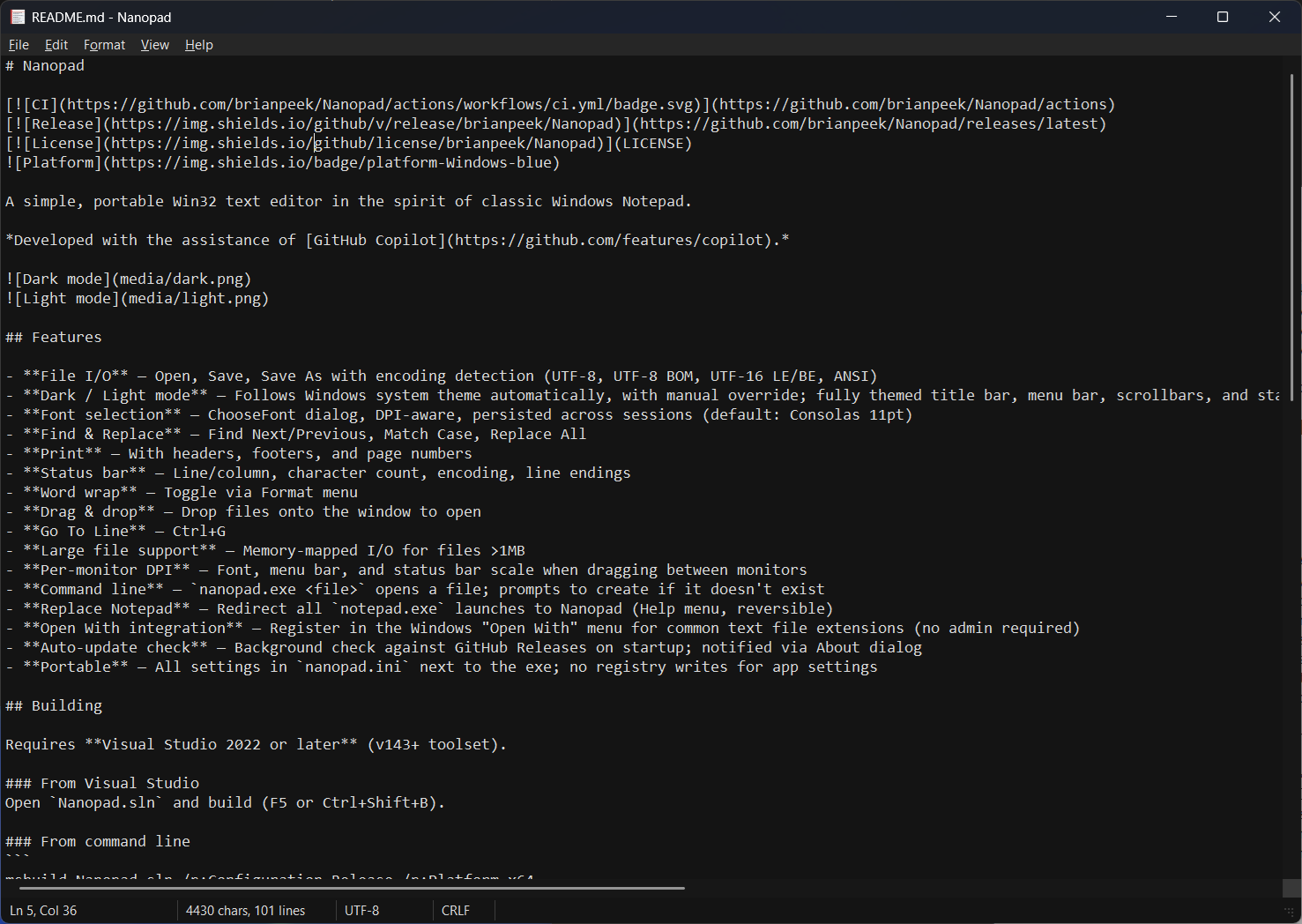 |
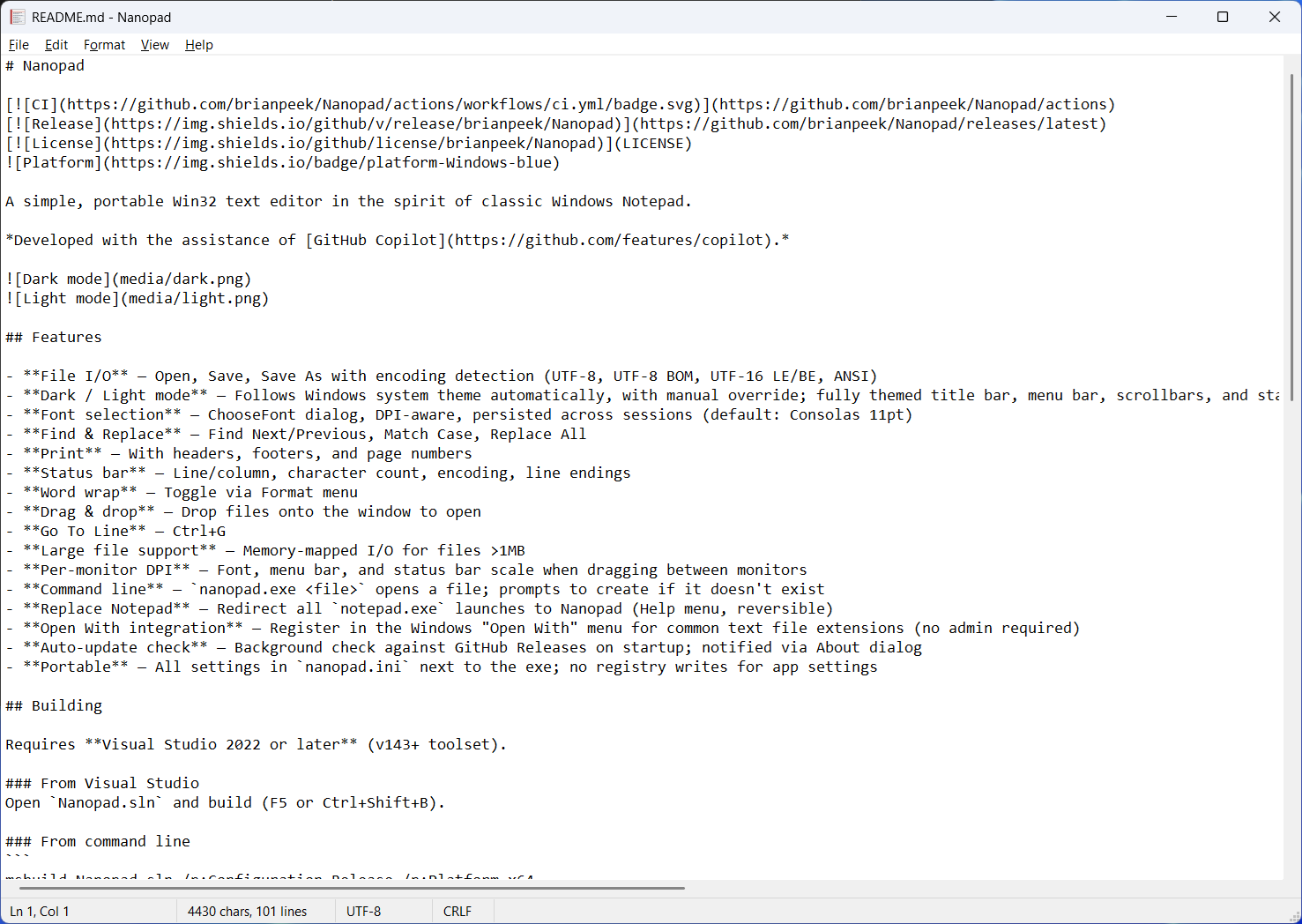 |
What I Was Going For
Pure Notepad, but with some modern conveniences. Altogther, that means:
- Full dark mode that follows the system theme
- Per-monitor DPI scaling
- Portable settings (INI file next to the EXE, no registry)
- System integration (Replace Notepad, Open With, context menu)
- Font selection
- Encoding detection (UTF-8, UTF-16, ANSI)
- Find & Replace, Print, Word Wrap, Go To Line
The Stack
- Language: Modern C++
- UI: Win32 API only -
CreateWindowExW,WndProc, message loop - Edit control: Standard multiline
EDITclass (same one original Notepad uses) - Build: Visual Studio 2022+, MSBuild, v143 toolset
- CI/CD: GitHub Actions - builds on push, version-stamped releases on tag
- Dark mode: Undocumented Windows APIs (more on this below)
This ends up being about 3,000 lines of C++ across 12 source files.